Import Clickfunnels to GoHighLevel: Detailed Guide for 2026

If you want to import ClickFunnels to GoHighLevel, you are likely planning to simplify your workflow. That is a smart move.
ClickFunnels works fine for building funnels, but GoHighLevel offers far more under one roof. Everything from automation to lead tracking becomes easier. And that is what most marketers want now. Less switching, more doing.
GoHighLevel is not just another funnel builder. It is a full marketing platform that includes CRM, email marketing, SMS, and automation.
So, when you bring your ClickFunnels funnels over, you are not just moving pages. You are upgrading your business system.
Let’s not waste our time and move forward toward how to actually do it.
Key Takeaways
Why Import ClickFunnels to GoHighLevel?
ClickFunnels is strong when it comes to building sales funnels. But it stops there. GoHighLevel does much more. That is the main reason many businesses are moving their funnels from ClickFunnels to GoHighLevel.
Here are why import ClickFunnels to GoHighLevel:
You are not just switching tools – you are upgrading your entire system. Make it count with expert-designed funnels.
The ClickFunnels to GoHighLevel Importer Tool
The importer tool helps you shift from ClickFunnels to GoHighLevel, saving you from building pages from scratch.
You can import funnels built on ClickFunnels 1.0 and 2.0. But note that only regular funnel pages will move. Like opt-in, sales, order forms, and thank-you pages.
Membership Areas will not transfer using the import link. You will have to rebuild those manually in GoHighLevel Membership tool.
Also, make sure to use the live funnel page link, not the share link.
Read this: Set Up Website in GoHighLevel: Step-by-Step Guide
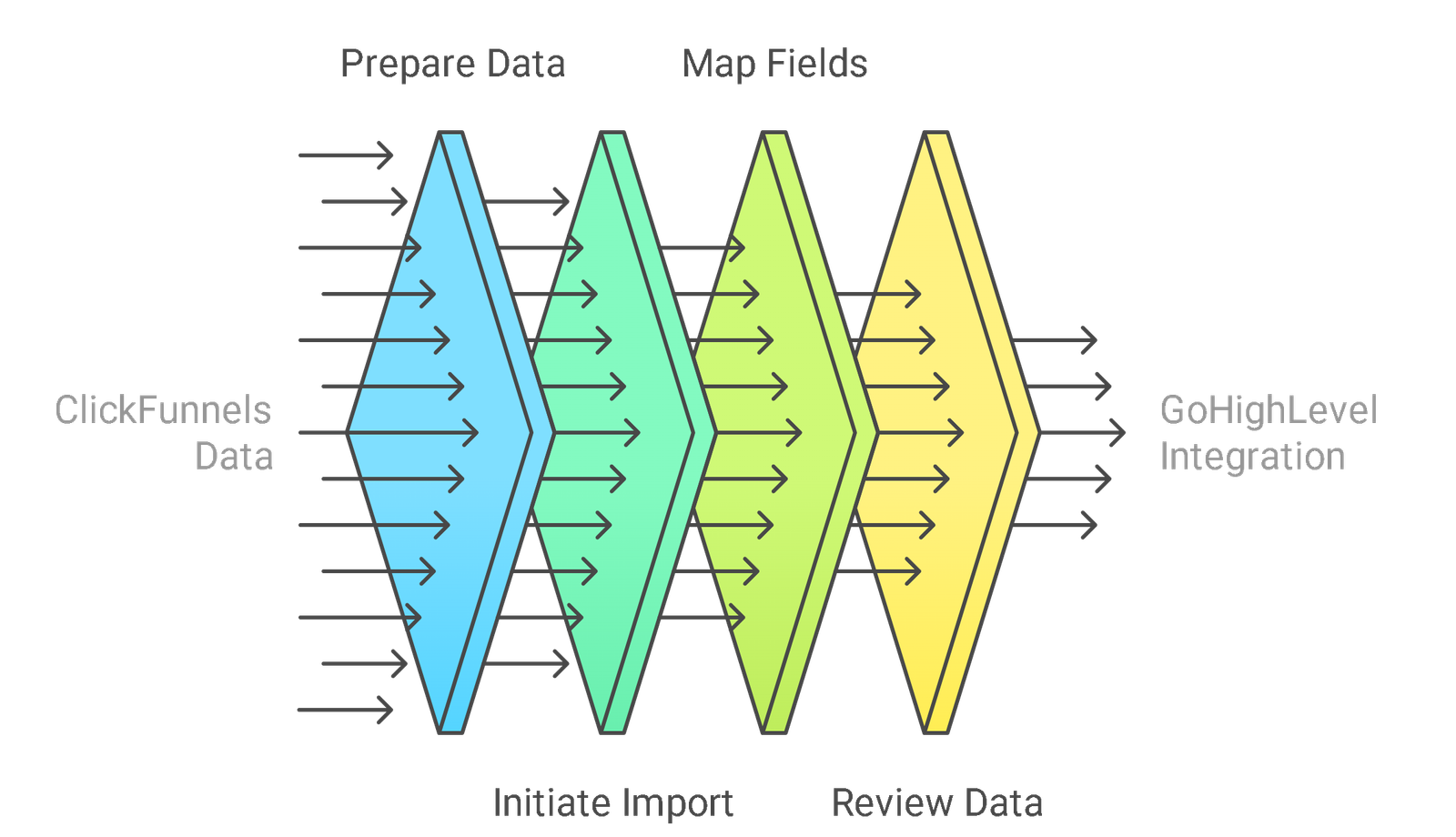
Importing ClickFunnels to GoHighLevel
The process for import is quite straightforward. Here is how to import ClickFunnels to GoHighLevel:
Login to Your Account
Login into your GoHighLevel account. You must have an active subscription or free trial.
If you are new to GoHighLevel, sign up for the 30-day free trial. It gives you full access to all tools and features.
Once you are in the dashboard, stay there. You will return after you get your ClickFunnels link.
Prepare Your Funnel in ClickFunnels
Go to your ClickFunnels dashboard and find the funnel you want to import. Click the Publish button on the specific funnel step.
Do not use the share link. Instead, copy the live funnel page URL. This is very important.
Repeat this process for each step of your funnel. If your funnel has three steps, copy the live URL of all three pages.
Important Note
Make sure to remove any old, unused steps or outdated content from your funnel before you start importing.
Access the Funnel Section in GoHighLevel
Return to your GoHighLevel account. From the left-hand menu, click on Sites and then select Funnels. Once inside the Funnels tab, click + New Funnel.
Give your funnel a name. Choose a folder or tag if needed. Click Create Funnel. Your funnel shell is now ready.
Add a New Step to the Funnel
Next, click on your newly created funnel. Inside the funnel builder, click Add New Step.
Now enter the page name, set the path, and paste the live URL from ClickFunnels into the import field. Check the box to confirm import, then click Create Funnel Step.
Wait a moment. GoHighLevel will scan the page and pull in the layout, styles, and content from ClickFunnels. Repeat this for each page you want to move.
Your funnel deserves better than basic. Templates designed by experts not only save time – they drive results. Get your custom funnel template now and give your business a competitive edge
What Happens After Import
Once the funnel step is imported, it shows up in your builder. You can now make edits as needed.
Sometimes, images, forms, or buttons may need small adjustments. That is normal. Check all links, headlines, buttons, and form fields.
You may also need to reconnect automation, set form actions, or integrate emails and tags manually.
Test the Funnel in GoHighLevel
Before you go live, test every part of your funnel. Click every button. Submit every form. Check if emails or SMS get triggered.
Use a test email address and phone number. GoHighLevel lets you preview and test the funnel just like a live user.
Once you finish testing, publish your funnel. Switch on your tracking, connect your domain, and start sending traffic.
Don’t miss: Is There A Way to Import A Website into GoHighLevel?
Ready to Supercharge Your Funnels?
Do not waste time rebuilding from scratch. Use proven GoHighLevel funnel templates. Designed to convert and increase your ROI.
Grab your high-Converting funnel template now and start generating leads like a pro.
Frequently Asked Questions