
How to Speed Up GoHighLevel Website (Boost Page Speed for Better Results)

Is your GoHighLevel website loading slowly? You are not alone. A slow GoHighLevel website is one of the biggest reasons people leave before they even read your offer. Page speed directly affects conversions, ad performance, and trust.
In this guide, you will learn exactly how to speed up your GoHighLevel website using proven, practical steps. No technical talk. No confusion. Just clear actions you can apply today.
Why GoHighLevel Page Speed Matters
Page speed is not just a “technical thing.” It’s a business thing.
Here is why it matters so much:
If your GoHighLevel page is slow, you are paying for traffic but losing money before users even scroll.
Simple as that.
Read this: How to Build a Membership Site in GoHighLevel (Step-by-Step Guide)
Common Causes of Slow Loading Times in GoHighLevel
Before fixing the speed, you need to know what’s slowing things down. Most HighLevel websites are slow because of:
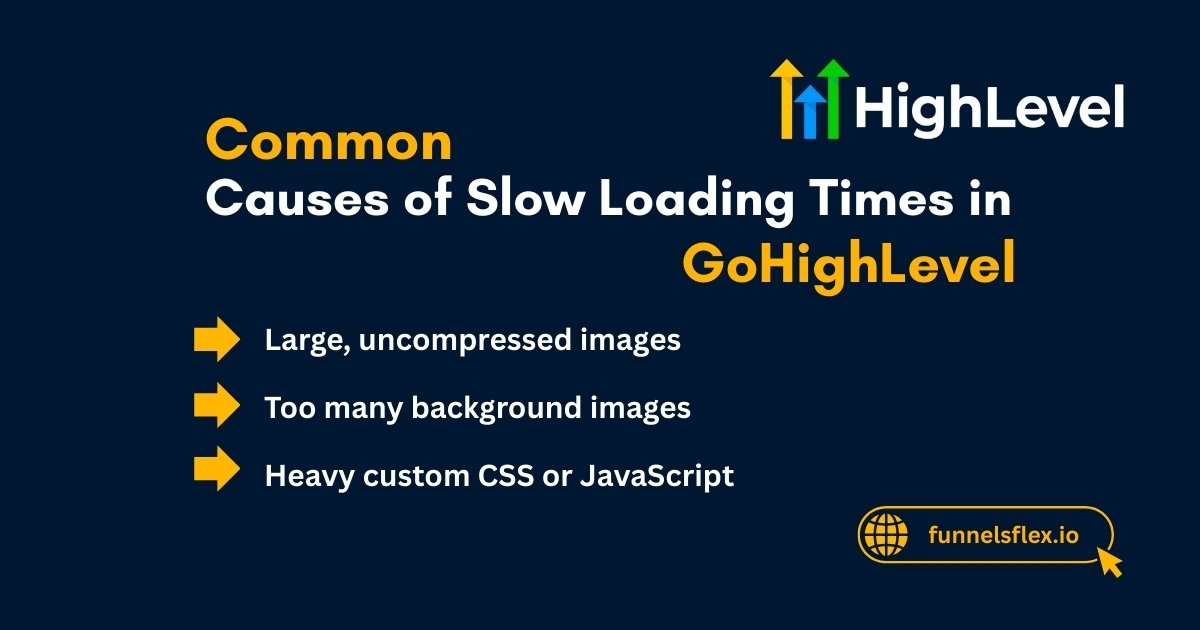
The good news? All of this is fixable.
Optimize Images for Faster GoHighLevel Pages
Images are the #1 reason GoHighLevel pages load slowly.
Compress and Resize Images Before Upload
Never upload raw images directly from your phone or designer. What to do instead:
A single large image can slow your page more than you think.
Avoid Using Too Many Large Background Images
Background images look nice, but they’re heavy. Best practice:
Clean design loads faster and converts better.
Remove Unused Images From the Page
Many pages contain:
Even if users do not see them, Ghl still loads them. Delete anything you’re not using.
Read this: Funnel Color Guide: Best Colors for Funnel Conversions That Increase Sales
Custom Code on GoHighLevel Pages
Custom code can help but too much of it hurts speed.
Remove Unnecessary Tracking Scripts
Most funnels do not need:
Every script adds load time. Keep only what you actually use.
Minimize Custom CSS and JavaScript
Custom styling is tempting, but heavy code slows pages.
Tips:
Less code = faster pages.
Improve GoHighLevel Layout and Structure
Your page structure matters more than most people realize.
Reduce the Number of Sections and Rows
Many slow pages are simply too crowded. If a section does not help conversions, remove it. Fix this by:
Remove Hidden or Duplicate Elements
Hidden elements still load in the background. Delete them completely, not just hide them.
Check for:
Use GoHighLevel Settings and Best Practices
Small habits make a big difference over time.
Duplicate Pages the Smart Way
Cloning pages saves time but it also copies problems. Never assume a cloned page is optimized. Before publishing a duplicated page:
Test Page Speed After Each Major Change
Do not wait until the end. Test your page speed. This helps you catch problems early.
After:
Keep Content Focused and Concise
Long pages are fine. Messy pages are not. Focused content loads faster and converts better. Best practice:
Understanding GoHighLevel Page Speed Metrics (Simple Explanation)
You do not need to be technical.
Just remember:
If your page feels fast, it usually is.
Read this: How to Track Sales Funnel Performance: A Complete and Practical Guide
How to Fix Common GoHighLevel Landing Page Issues
Slow pages often come with other issues.
Most Common Problems
How to Fix Them
Additional Tips for Optimization
Book your free GoHighLevel page speed audit. Fix slow pages and boost conversions today
Conclusion
Inshort, How to speed up GoHighLevel website is the key to better performance. Make sure to compress images, remove unnecessary code, simplify your layout, avoid clutter, and test your pages regularly.
A fast GoHighLevel website builds trust, improves conversions, lowers ad costs, and delivers better results. Keep your pages lean, focused, and fast, and your funnels will perform exactly the way they should.